
Input
Document and metadata
Primary system and user
Rights and object context
SIFYBOX · CUL
Acts as a shared, often invisible document layer. Binary content is kept separately from business metadata and versioned under a stable GUID, so connected applications can exchange one controlled reference instead of copying files repeatedly.
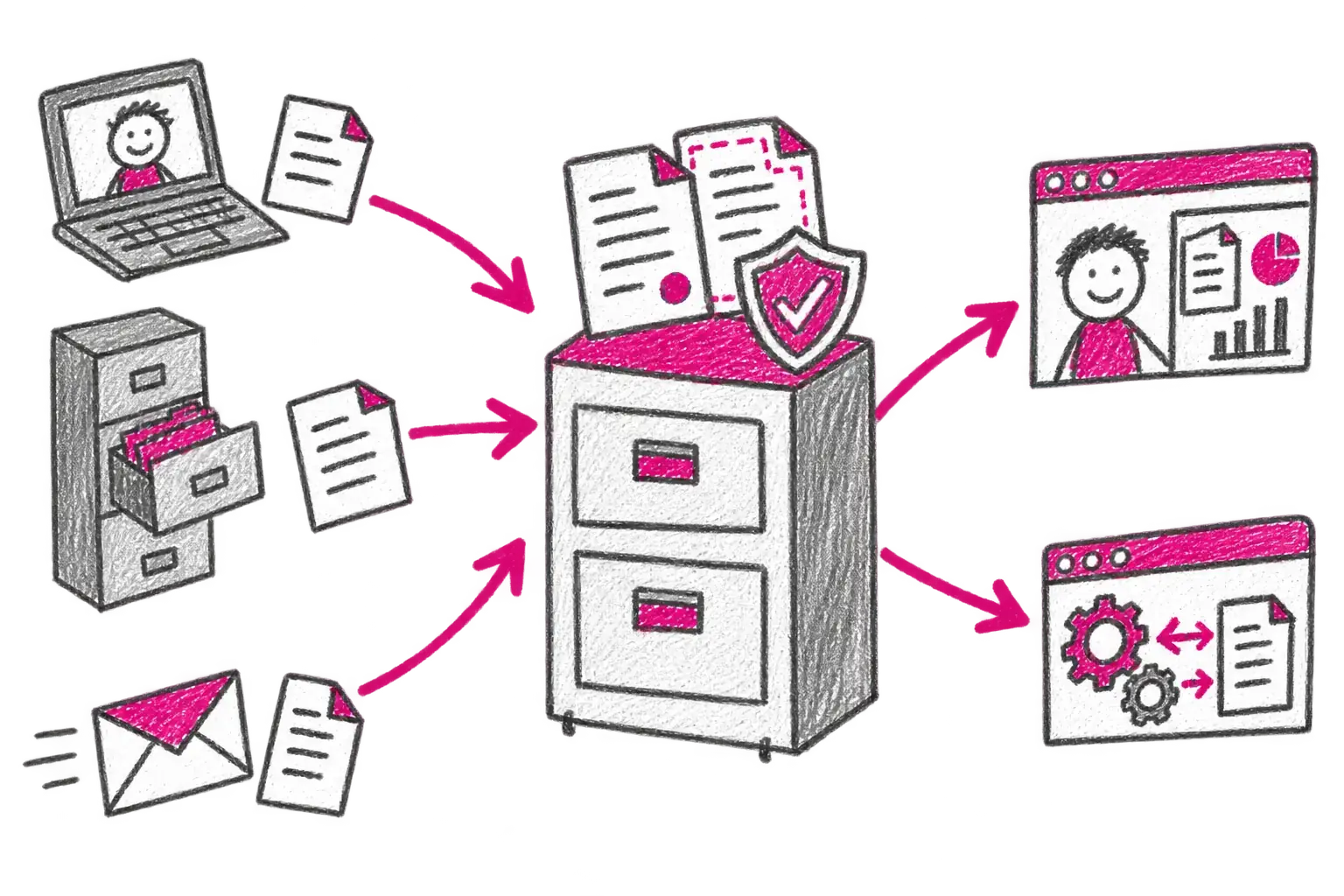
From input to outcome
Document and metadata
Primary system and user
Rights and object context
Creates or updates a version
Controls access and traceability
Serves the document to connected applications
Stable GUID and link
Document and version history
Audit and search metadata
Capabilities
Where it is used
Who works with it
Connections
Related components
Components can run independently or be combined into one solution for a specific workflow.