
Researcher
Submits an output, resolves a specific issue and sees its status.
IS Věda · Research Information System · Research outputs, projects, transfer and evaluation
Research outputs, projects and related agendas for universities and research organisations.

In plain terms
Researchers enter an output once and follow its validation.
Start with the situation
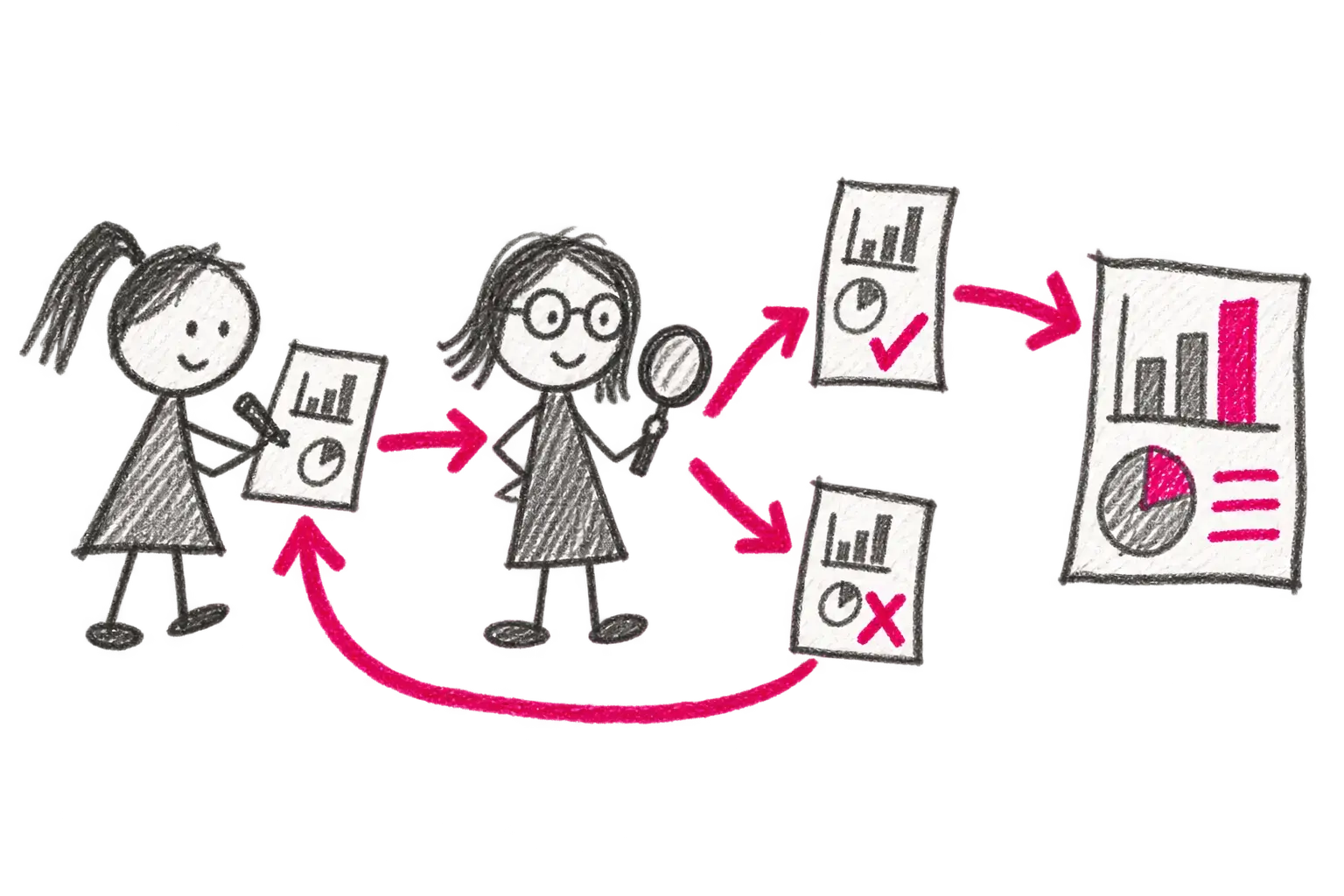
From researcher through quality control to reporting and RIV material.
View this situation →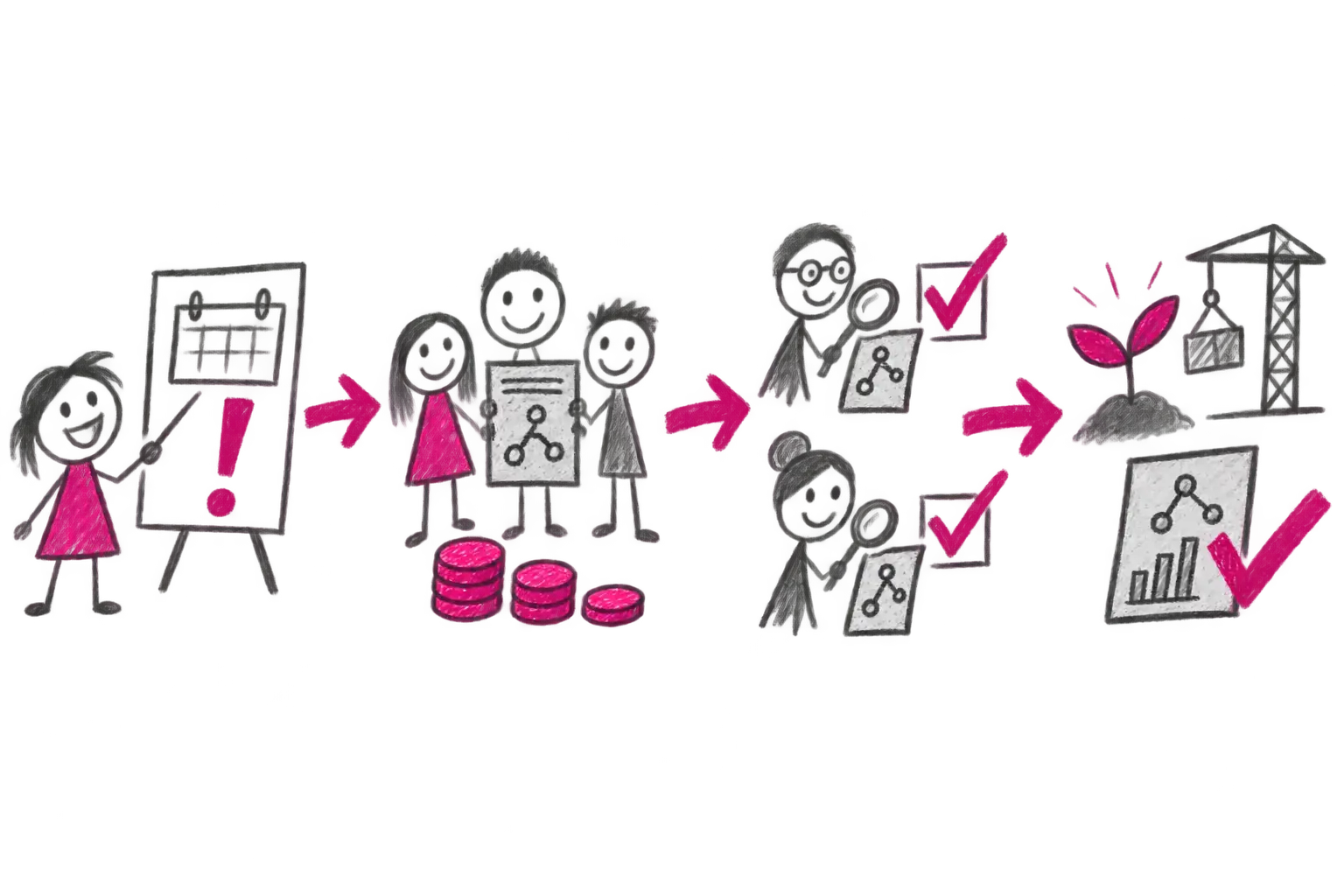
Call, proposal, budget, evaluation, decision and delivery.
View this situation →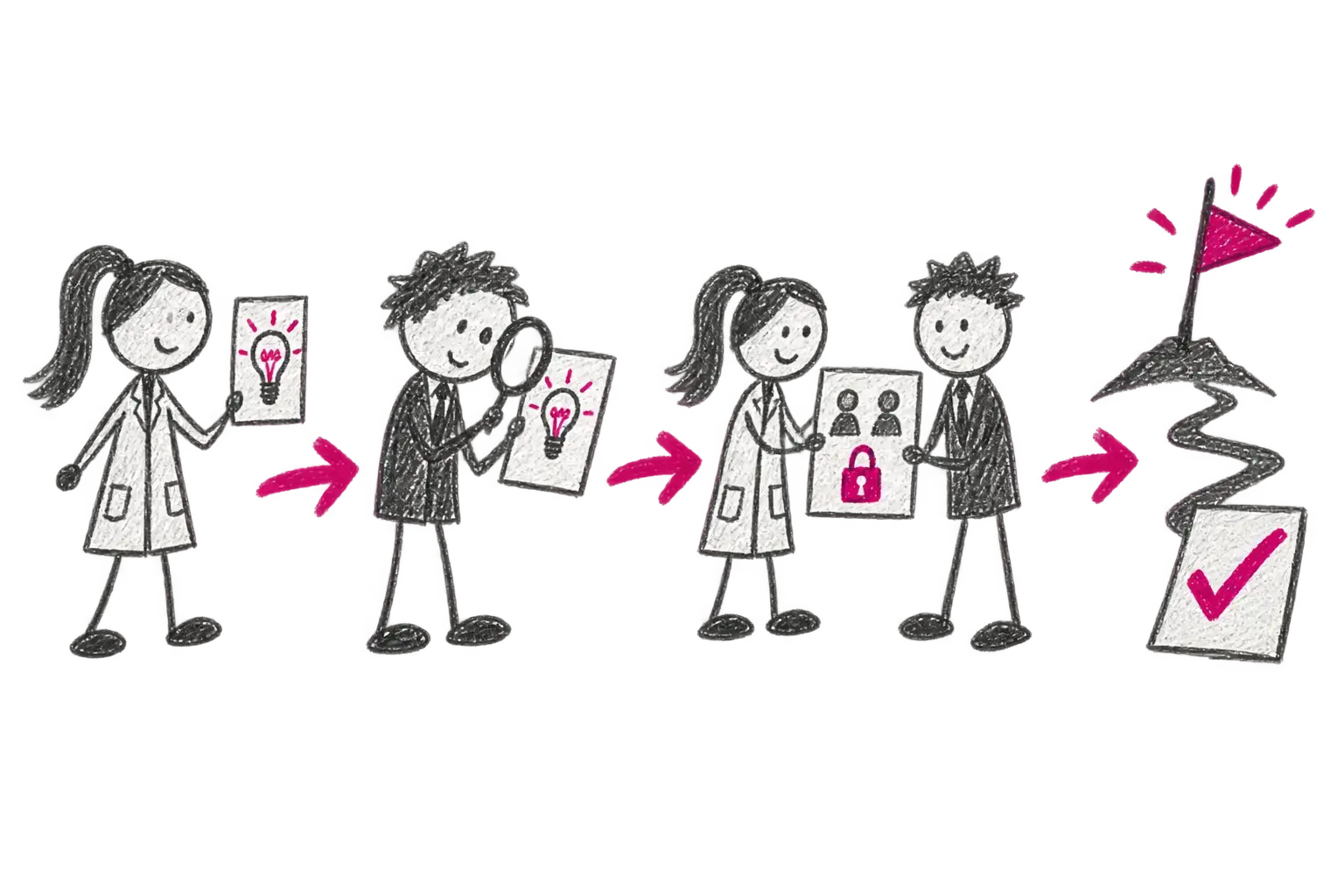
Rights, authors, partners, milestones and payments in one place.
View this situation →
Connected material for organisation-specific evaluation.
View this situation →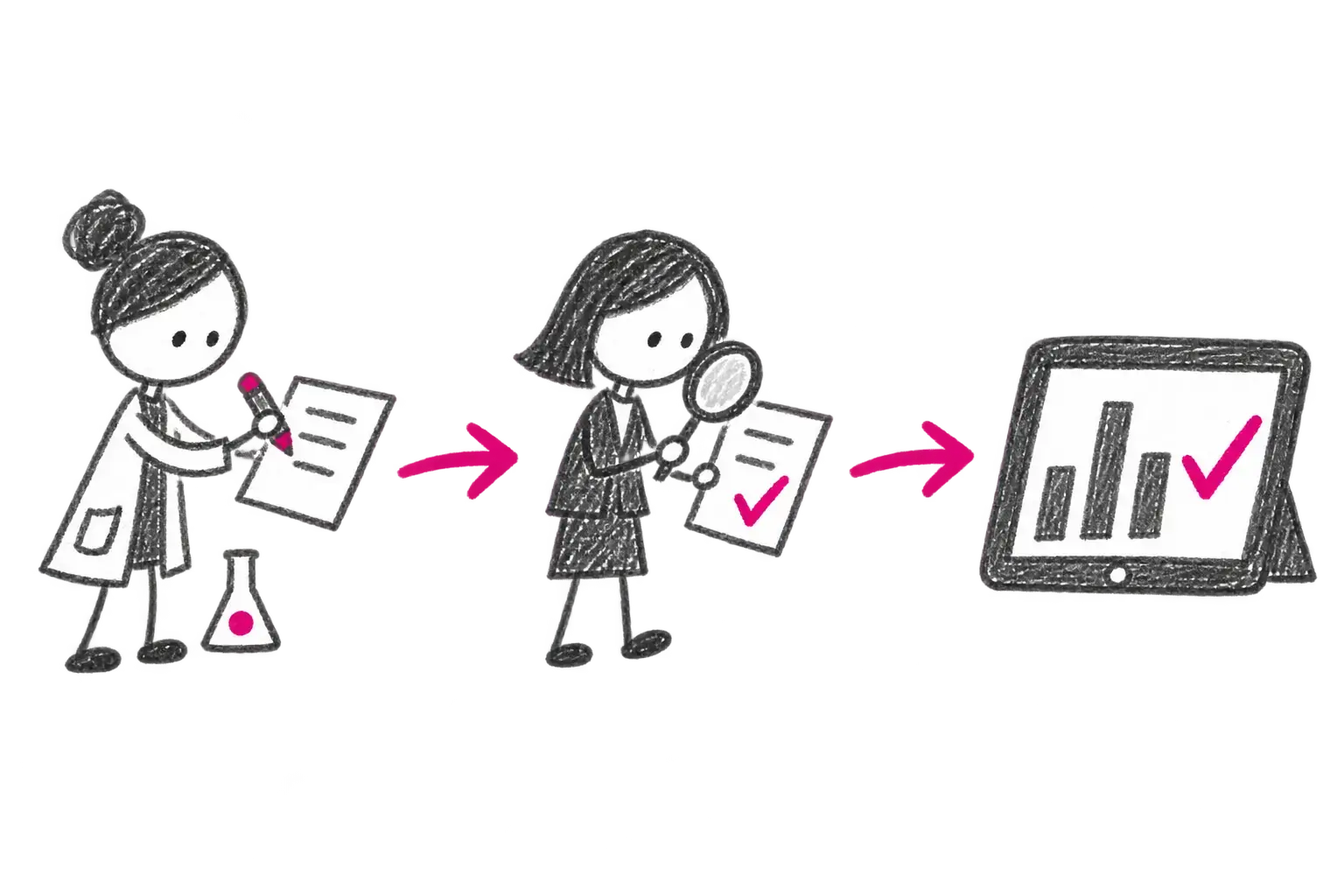
Not only software — people too
Our community sessions cover methodology, release changes and practical experience from OBD, EPZ and other IS Věda administrators. Current dates are published with our events.
Events and training →For whom
What changes
From input to outcome
A researcher creates a result or project manually or uses a supported import.
Rules validate required fields, relationships and possible duplicates before submission.
An administrator returns a specific issue with a comment, or approves the checked record.
Verified data continues to reporting, RIV, projects, repositories or evaluation as deployed.
User perspectives
Submits an output, resolves a specific issue and sees its status.
Controls quality, methodology, duplicates and reporting.
Manage calls, projects, rights and milestones in context.
Uses connected views instead of manually assembled spreadsheets.
Integrations
Deployment and delivery
Next step
Bring one real case. We will separate standard product scope, integrations and decisions your organisation needs to make.
Discuss a specific caseGo to documentation →