
When signing lives in email
Download. Open the PDF. Read. Find the field. Sign. Save. Find the right email. Reattach.
Every document creates another file and another opportunity to use the wrong version or reply to the wrong thread.
The executive by the lake
Today, signing often means carrying a laptop and token or returning to the office for paper. With EPK, an assistant prepares the documents and signature positions. The executive reviews, selects and—when a remote signing service is connected—signs from a phone. Individually or in bulk. Done.
For executives, statutory representatives and other people receiving documents for signature from several processes and systems.
How to leave the laptop and token behind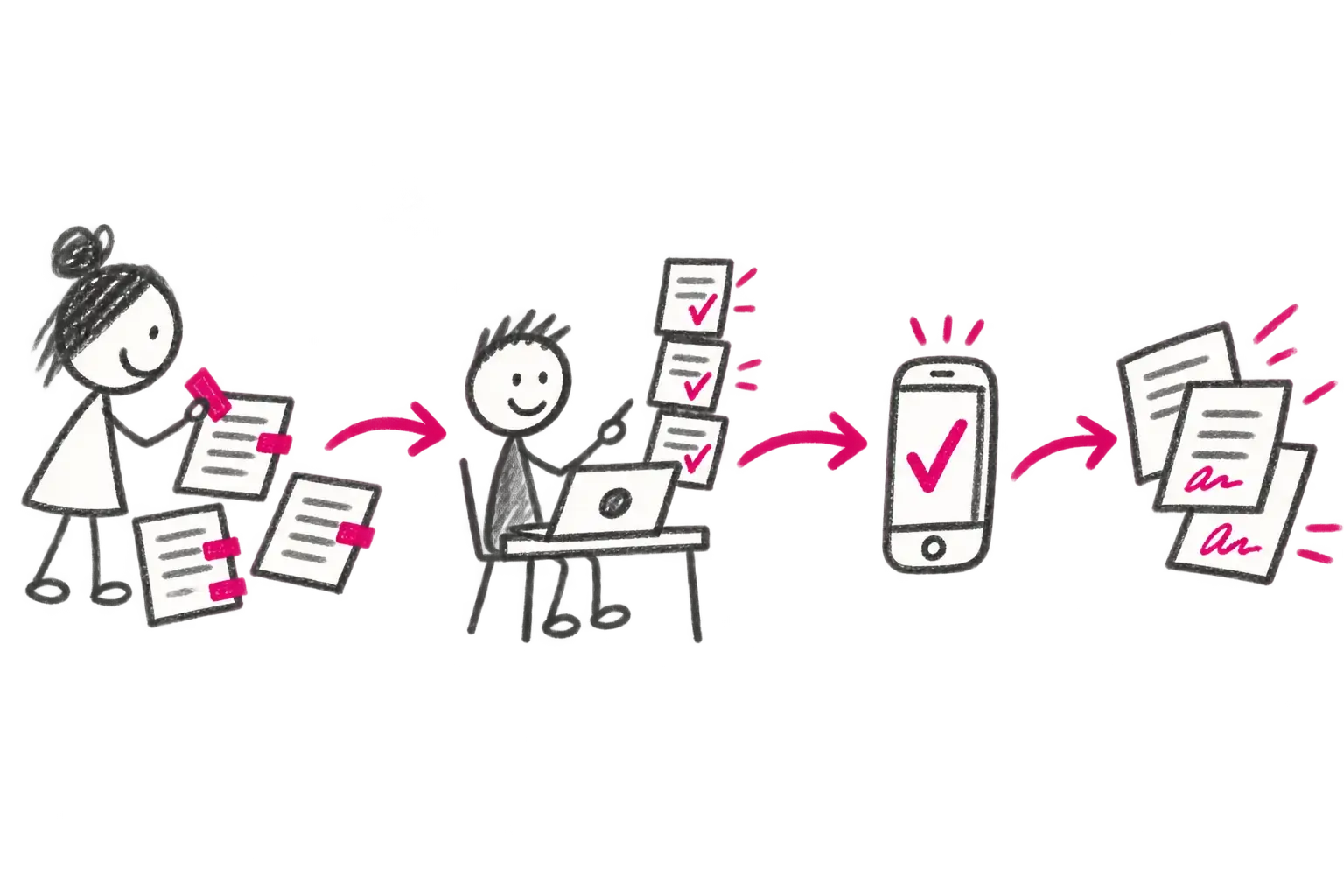
From start to finish
A business system or authorised colleague sends the document straight to the signature book.
The assistant sets the order and signature positions so the executive does not have to find them.
The signatory opens one queue, reads the documents and selects those ready to sign.
Selected documents can be signed together or individually, at a desk or away from it.
Signed files return to their source without saving attachments or searching email threads.
When signing lives in email
Every document creates another file and another opportunity to use the wrong version or reply to the wrong thread.
EPK
Documents wait in one signature inbox with signature positions ready. Results return automatically. With a suitable signing service, you can also sign from mobile.
Who is involved
Sends the correct document version, metadata and signature request to EPK.
Checks the material, sets the order and prepares visible signature positions — digital sticky tabs.
Reviews one queue, selects documents and signs individually or in bulk without downloading or reattaching files.
EPK controls the task and responsibility; WSCS performs the configured signature and returns the result.
What happens when something goes wrong
The signatory can exclude, reject or return one document with a comment. The system does not sign a different version or position from the one prepared. Signature level, certificate and timestamp follow the process configuration.
The result
The signed document, status, time and audit trail return automatically to the source process. The signatory is done without saving attachments, finding the right email or manually sending a file back.
Product and integrations
The product provides ready-made building blocks. Roles, forms and rules are configured for your organisation. For every connector, we agree the system of record and the error path in advance.
Explore the product: Workflows and documents →Signing without a token at your desk
EPK is the common work queue. Depending on the integration, signing can use a local certificate or a remote service such as Software602 SecuSign, CESNET eIDAS or SEFIRA OBELISK Remote Signature. Availability, price and legal level are confirmed for each deployment.
The vendor currently states CZK 3,000 excluding VAT for the first annual Signer licence, including a voucher for a one-year qualified certificate and unlimited timestamp use. We reconfirm the offer before delivery.
Vendor information ↗Remote and qualified signing, sealing, timestamps and certificate management for research and education organisations.
CESNET information ↗Remote advanced or qualified signing without a card or reader, available on mobile, tablet and desktop.
SEFIRA information ↗DERS Web Signer
The public demo is only a preview and may change or become unavailable without notice; it is not a guaranteed test environment or part of an SLA. API access and integration work are paid services. Google Drive and Gmail integration can be delivered for an agreed use case. Microsoft 365 integration is currently experimental and its scope is confirmed case by case.
Related solutions
Next step
We will take one real case, including the complications that commonly arise. We will explain clearly what the product does out of the box and what needs configuration or integration.
Find the right solution